


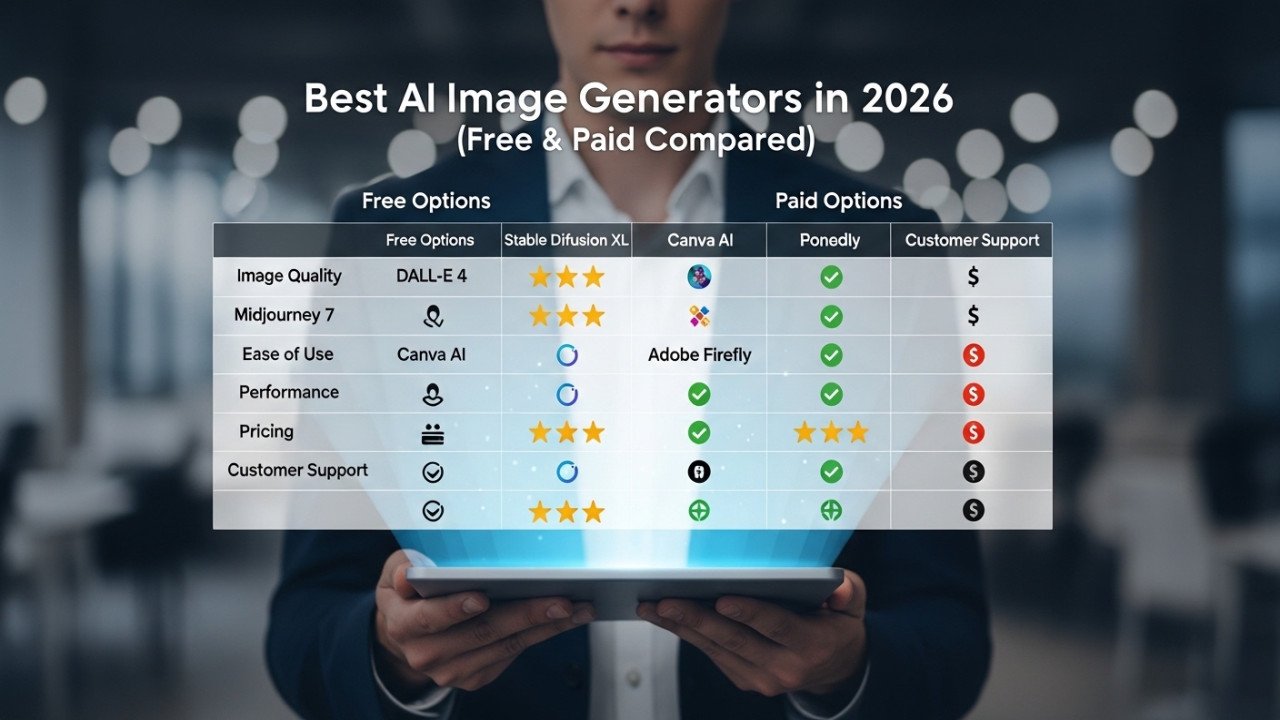
Best AI Image Generators in 2026 (Free & Paid Compared)
Best AI Image Generators in 2026 (Free & Paid Compared)
AI image generators are better than ever in 2026, but the “best” tool depends on whether you care most about ease of use, artistic quality, or deep customization. Review roundups and platform docs consistently point to OpenAI’s image tools for overall accessibility, Midjourney for visually striking art, and Stable Diffusion for flexibility and workflow control.
If you are choosing between DALL·E, Midjourney, and Stable Diffusion, the smartest approach is to compare them by pricing, features, learning curve, and the type of user each tool serves best. That is exactly what this guide does, with Imagartai included as a simpler alternative for testing prompts and exploring styles.
Comparison table
OpenAI’s current official pricing page highlights GPT-image-1.5 rather than the older standalone DALL·E branding, so many 2026 comparisons now treat DALL·E and OpenAI’s broader image stack as one ecosystem.
| Tool | Best for | Pricing | Ease of use | Standout features | Main downside |
|---|---|---|---|---|---|
| OpenAI (DALL·E / GPT-image) | Beginners, app builders, and users who want strong prompt understanding. | ChatGPT has a free tier, while ChatGPT Plus is $20/month; OpenAI also offers API pricing for GPT-image-1.5. | Easy. | Strong prompt adherence, good text rendering, and clean integration with ChatGPT and API workflows. | Less customizable than open workflows, and costs can rise with heavy usage. |
| Midjourney | Artists, marketers, and users who want beautiful results quickly. | Basic $10/month, Standard $30/month, Pro $60/month, Mega $120/month. | Medium. | Excellent artistic output, web and Discord access, Relax Mode on higher plans, and Stealth Mode on Pro and Mega. | No true beginner-friendly free path, and less ideal for strict brand consistency or technical customization. |
| Stable Diffusion | Power users, developers, and teams that want control. | Often free if self-hosted, but cloud tools and hosted services usually charge by credits or subscription. | Hard. | Open ecosystem, custom models, flexible workflows, and deep control over outputs. | Steeper learning curve and more setup than most casual users want. |
Tool breakdown
OpenAI (DALL·E / GPT-image)
OpenAI is the easiest option to recommend to beginners because current reviews place ChatGPT at or near the top for overall AI image generation, especially when ease of use matters. It also suits builders and SaaS teams because OpenAI’s official pricing page clearly positions GPT-image-1.5 as part of an API-based workflow, not just a consumer chat feature.
Pros:
Very beginner-friendly interface and prompt handling.
Good text rendering and prompt adherence compared with many image tools.
Works well for both casual users and product teams that need API access.
Cons:
Less customizable than Stable Diffusion-style workflows.
Costs can scale up if you generate large volumes or rely on API usage.
OpenAI is a strong fit for bloggers, marketers, indie founders, and anyone who wants to get high-quality images without learning a complex image pipeline. It is also one of the easiest ways to move from “idea” to “usable result” fast.
Midjourney
Midjourney remains the favorite for many creators who care most about visual drama, concept art, and polished artistic results. Independent reviews still highlight it as the best option for artistic output, while pricing comparisons show a clear subscription ladder from $10 to $120 per month.
Pros:
Excellent for stylized art, moodboards, fantasy scenes, and social visuals.
Clear paid plans with predictable monthly pricing.
Higher plans include Relax Mode, and Pro or Mega users also get Stealth Mode for private generations.
Cons:
Learning curve is higher than OpenAI’s.
It is less flexible than Stable Diffusion for custom workflows and repeatable production pipelines.
It is usually a paid-first option rather than a true free tool.
Midjourney is best for designers, YouTubers, social media teams, ad creatives, and anyone who values “wow factor” over technical control. If your goal is eye-catching art fast, it is still one of the strongest picks.
Stable Diffusion
Stable Diffusion is still the best-known option for users who want control, experimentation, and ownership over the workflow. Comparisons in 2026 continue to frame it as the more customizable route, especially for advanced users who want custom models, local generation, or flexible cloud setups.
Pros:
Highly flexible and well-suited for advanced workflows.
Can be very cost-effective if you self-host or use the right cloud setup.
Better suited than most closed platforms for custom model experimentation.
Cons:
Hardest learning curve of the three.
Pricing is less straightforward because users often rely on third-party services, credits, or their own hardware.
Not the easiest starting point for beginners who just want fast results.
Stable Diffusion is best for developers, agencies, technical creators, and advanced prompt users who want to shape the entire process rather than just type a prompt and wait. It rewards skill, but it also asks more from the user.
Which tool fits each user
If you are a complete beginner, OpenAI is usually the safest choice because the interface is simple and the learning curve is low. Most people who want “good results without much setup” will get there faster with ChatGPT-style image generation than with more technical tools.
If you are a visual creator, art director, or marketer who needs bold, beautiful images for thumbnails, campaigns, or concept work, Midjourney is usually the better match. Its biggest advantage is not technical flexibility but aesthetic output.
If you are a developer, prompt engineer, or power user who wants custom pipelines, deeper control, or lower-cost scaling through self-hosted options, Stable Diffusion is the best fit. It is the tool for users who prefer flexibility over convenience.
A simple way to think about it:
Choose OpenAI if you want speed, simplicity, and strong prompt understanding.
Choose Midjourney if you want the most artistic-looking results out of the box.
Choose Stable Diffusion if you want advanced control and are comfortable with a steeper setup.
Where imagartai fits
Not every user wants to commit to a heavy subscription or a technical workflow on day one. That is where Imagartai can be positioned as a practical alternative: a place to test prompt ideas, explore styles, and learn what kind of outputs you actually need before locking yourself into a bigger ecosystem.
This angle works especially well for beginners and intermediate users. Instead of presenting Imagartai as a direct replacement for every major platform, present it as the easier way to experiment, compare prompt styles, and build confidence before moving into more advanced tools.
A natural CTA for this article would be:
Try a few prompt styles on Imagartai and compare the results for yourself. It is one of the simplest ways to learn what kind of AI image workflow fits your goals, whether you later choose OpenAI, Midjourney, Stable Diffusion, or a mix of all three.




Comments (0)
No comments found