Why Is My PNG Bigger Than the Original JPG? (Real File-Size Tests)
A 4MB PNG and the 380KB JPG it was exported from, sitting in the same folder, same image, same pixel dimensions. That’s not a hypothetical. That’s a screenshot I pulled last week while testing conversions for this article, and it’s the exact situation that sends people searching for why is PNG bigger than JPG in the first place.
The short answer is that PNG isn’t a worse format. It’s a different one, built for a different job, and photographs are the job it’s bad at. I ran a batch of thirty matched Image pairs — product photos, screenshots, and a handful of gradient-heavy graphics — through a direct size comparison to see exactly where the gap shows up and how wide it gets.
Here’s what the tests actually showed, and what to do about it.
The Symptom: PNG Files That Refuse to Shrink
You export the same Image two ways. The JPG comes out lean. The PNG comes out three, five, sometimes ten times larger, even though nothing about the picture changed. It feels backward, especially if you’ve heard PNG described as the “higher quality” format, which gets repeated so often that people assume higher quality must mean bigger is just the cost of doing business.
Sometimes that tradeoff is real and worth it. Often, though, it just means PNG was the wrong tool for that particular Image
Why This Happens
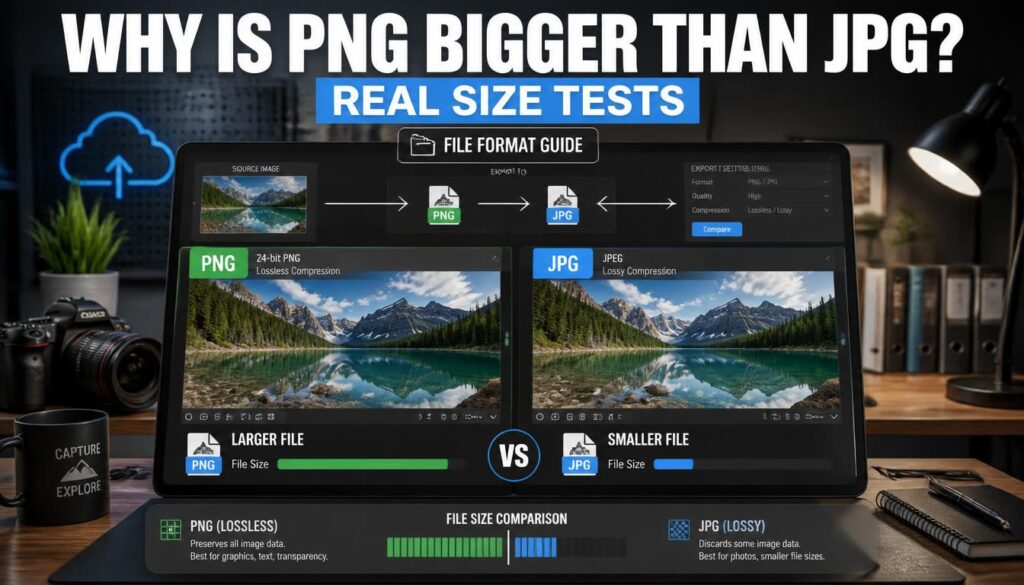
PNG uses lossless compression. It preserves every pixel exactly, which is genuinely valuable for screenshots, logos, and graphics with sharp edges or flat blocks of color, where JPG’s compression tends to introduce visible blur or blocky artifacts around text and hard lines.
JPG uses lossy compression, built specifically around how photographs behave: smooth color gradients, lots of fine detail, no sharp geometric edges. It throws away information the human eye barely notices and keeps the file small.
The problem shows up when you save a photograph as a PNG. Lossless compression has to record every subtle shift in a gradient or every bit of noise in a shadow, pixel by pixel, without discarding anything. A sky with a soft gradient, a face with natural skin texture, a blurred background — all of that adds real data that PNG’s compression can’t throw away the way JPG’s does.
In my test batch, the gap was smallest on simple product shots against plain white backgrounds, sometimes under 2x. On busier photos with natural lighting and texture, PNG files ran 6 to 10 times larger than the JPG version of the same Image. One portrait shot with visible skin texture and a softly blurred background hit nearly 12x. That’s not a fluke. That’s the format doing exactly what it was built to do, on exactly the kind of Image it was never built for.
Fixing It: Ranked From Easiest to Most Involved
1. Re-export the photo as JPG
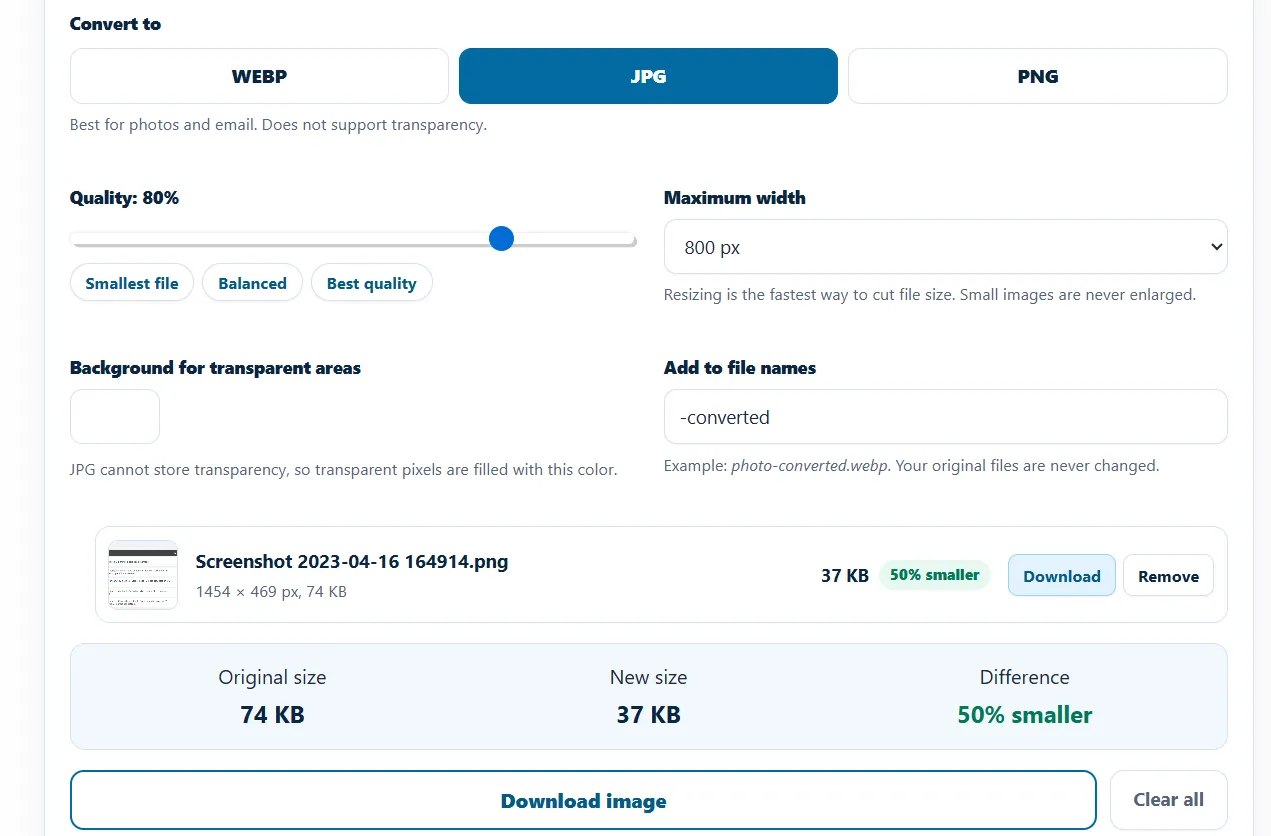
If the file in question is a photograph and it’s currently a PNG, this is almost always the fix. Export at a quality setting around 80–90 for most photos, and you’ll typically land somewhere in the 70–85% smaller range compared to the PNG version, without a visible quality difference at normal viewing size. This is usually a five-minute fix and solves the problem outright.
2. Convert existing PNGs in bulk
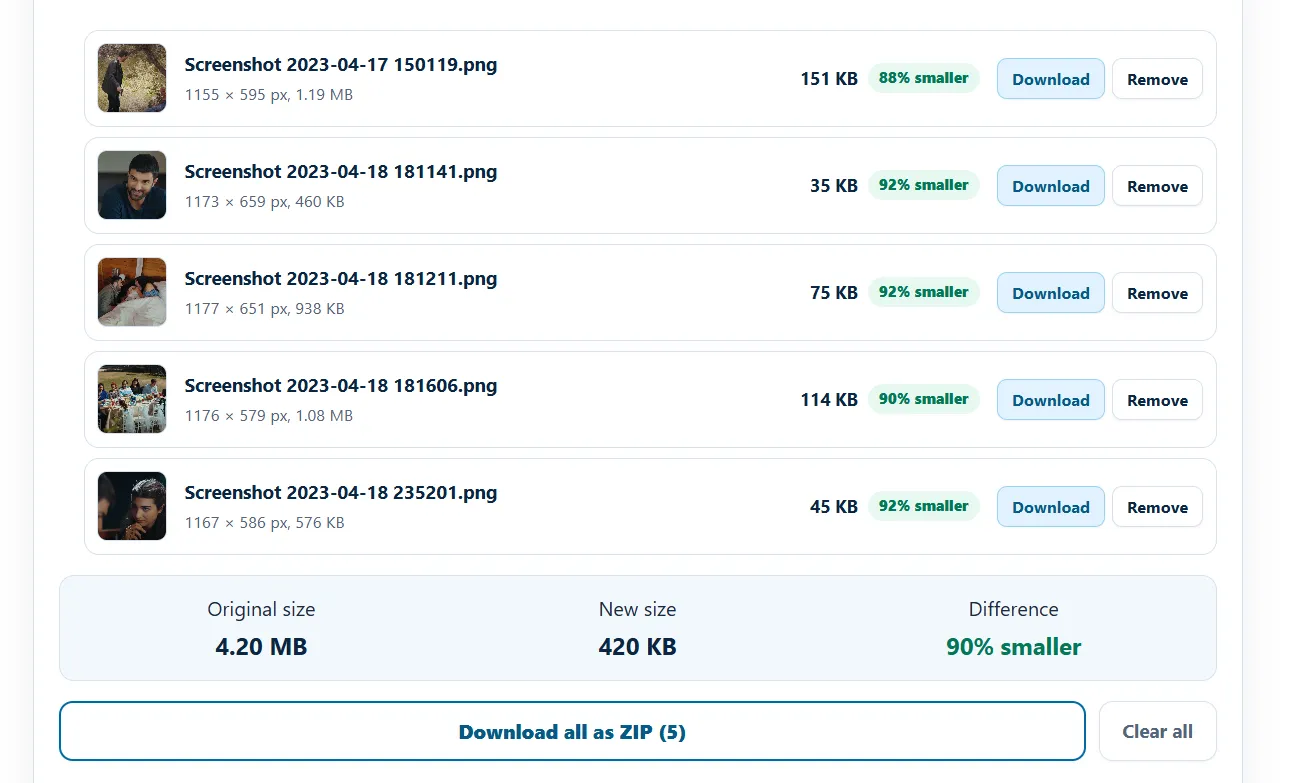
If you’ve already got a folder full of photos saved as PNG — a common leftover from old export presets or a CMS that defaults to PNG — batch conversion is faster than re-exporting from the source files one by one. I ran the test batch for this article through imagartai, which also handles PNG-to-JPG conversion directly in the browser. Hence, nothing needs installing, and you can compare the before-and-after size immediately.
3. Consider WebP instead of JPG
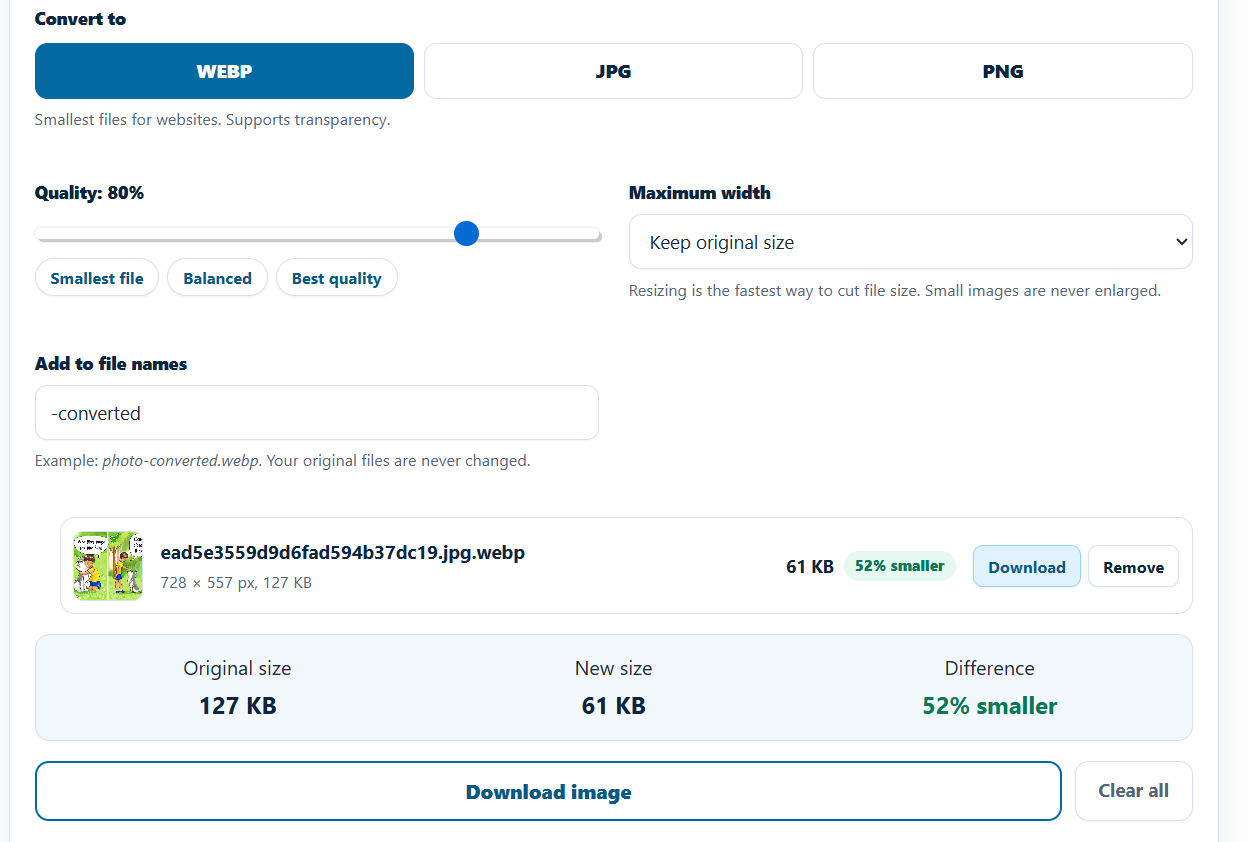
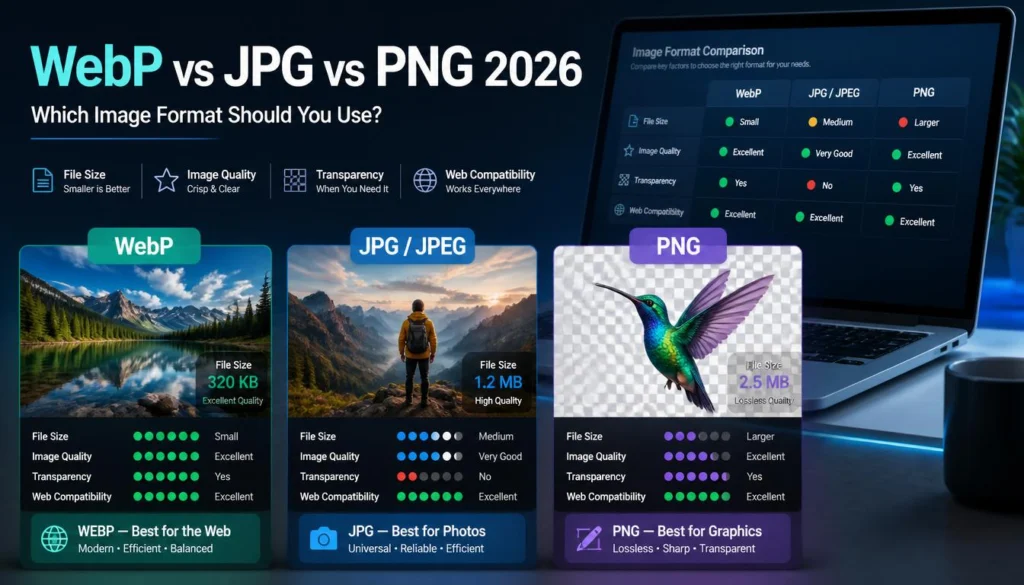
WebP often beats JPG on the same photo, typically landing another 25–35% smaller at a comparable quality level, according to Google’s WebP compression documentation. If the destination supports WebP — most modern browsers and CMS platforms do — it’s usually the better landing spot than JPG. If you’re setting this up on WordPress specifically, our guide on serving WebP images without a plugin walks through getting it delivered properly once the files are ready.
4. Keep PNG only where it earns its size
Not every PNG is a mistake. Logos, icons, screenshots with text, and any graphic with flat color and sharp edges genuinely benefit from lossless compression, and converting those to JPG can introduce visible artifacts around the hard edges that weren’t there before. The rule of thumb I use: if it was a photograph from a camera or phone, it rarely needs to be PNG.
Preventing This Going Forward
Set your export or screenshot tool’s default format deliberately instead of leaving it on whatever the software ships with. Many design tools and some CMS platforms default to PNG regardless of content type, which is exactly how photo-heavy PNGs end up in a media library in the first place.
Before uploading anything in bulk, a quick spot-check of file sizes in your folder view catches this early. A batch of photos that’s noticeably heavier than expected is worth a second look before it goes live anywhere.
FAQ
Why is PNG bigger than JPG for the same photo?
Because PNG uses lossless compression, which preserves every pixel exactly, while JPG’s lossy compression discards data the eye won’t notice. Photographs have fine detail and gradients that make lossless compression expensive in file size.
Is PNG ever the better choice?
Yes, for graphics with flat colors and sharp edges — logos, icons, screenshots, and text-heavy images. JPG’s compression can introduce visible artifacts on that kind of content that PNG avoids entirely.
Does converting PNG to JPG lose quality?
Some data is discarded, but at a reasonable quality setting (around 80–90), the difference is generally not visible at normal viewing size, especially for photographs.
Will WebP always be smaller than both PNG and JPG?
For photographs, usually yes. For simple flat-color graphics, the gap between WebP and a well-optimized PNG can be much smaller, and it’s worth testing both rather than assuming.
How much smaller should I expect a JPG to be than the same Image as a PNG?
It varies a lot by content. Simple, low-detail images might be only 2x smaller. Photographs with texture, gradients, or natural lighting commonly run 5 to 10 times smaller as JPG, based on the tests run for this piece.