Image Alt Text SEO: What Actually Works in 2026
A form that keeps rejecting your photo for being “too large” gives you almost no useful information about why. Alt text has a similar problem: plenty of plugins will tell you an Image “needs alt text” or flag it as “missing keyword,” but almost none of them tell you whether the alt text you wrote is actually any good. I found this out the hard way, running a screen reader over a client’s blog: dozens of images technically had alt text, and roughly half of it made no sense read aloud.
That gap between “has alt text” and “has alt text that works” is where most Image alt text SEO advice quietly fails. This guide skips the theory and gets into what actually works for screen readers, Google Image Search, and search engines trying to figure out what’s in your pictures.
The Three Jobs Alt Text Has to Do at Once
Alt text isn’t written for one audience, even though most people write it like it is:
- Screen readers read it aloud, word for word, so it must sound like a sentence, not a tag — this is also a core requirement of the W3C’s Web Content Accessibility Guidelines for non-text content.
- Search engines rely on it to understand Image content since they can’t visually parse a photo the way a person can.
- Browsers fall back to it as visible text when an Image fails to load, which happens more often than most site owners realize — due to slow networks, broken hosting links, or aggressive ad blockers.
Write for only one of these, and it usually shows. A screen reader user gets a keyword fragment instead of a sentence, or a search engine gets a vague description with nothing to latch onto.
A Formula That Holds Up: Subject, Detail, Context
After going through that audit line by line, the pattern that consistently worked was simple: name the subject, add one relevant detail, place it in context, and stop there.
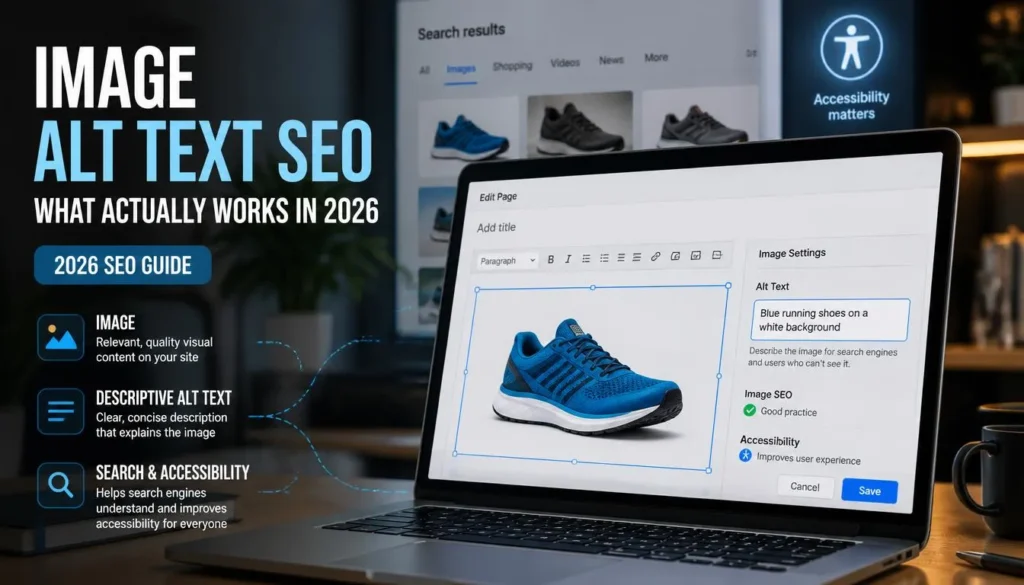
Skip “dog.” Skip “brown labrador retriever puppy playing fetch in a lush green backyard under bright autumn sunlight.” Land somewhere in between: “brown labrador puppy fetching a ball in the backyard.”
For Image alt text SEO purposes, the detail worth including is whatever someone would actually type into Google Images. Nobody searches “canine outdoor recreational activity.” They search “labrador puppy playing fetch”; write toward that, not toward a thesaurus.
Building It Out: Length, Keywords, and What to Cut
Stay under roughly 125 characters. It’s not an enforced technical limit, but past that point, alt text tends to stop reading like a description and start reading like a keyword dump, regardless of intent. Need more detail? That’s what a caption or the surrounding paragraph is for.
Only include the keyword if it’s genuinely true of the Image. If a page’s target keyword actually matches what’s shown, use it. If it doesn’t, forcing it in recreates the “IMG_4821 with extra steps” problem from a different angle. A post about “best hiking boots for wide feet” doesn’t need every boot photo to carry that exact phrase; describe what’s different about each shot instead.
Drop “Image of,” “picture of,” and “photo of” entirely. Screen readers already announce that an Image is present before reading the description, so restating it adds length without adding information.
Where People Get This Wrong
- Blank alt text on meaningful images. Purely decorative elements, spacers, and background textures can correctly use an empty alt=”” attribute. A product photo or chart left blank is a real accessibility gap, not a style choice.
- Stuffing keywords into the attribute. “Wide feet hiking boots best hiking boots for wide feet 2026” doesn’t help rankings and reads as spam to screen readers and search engines alike.
- Copy-pasting the filename. “IMG_0234.jpg” carries zero information for a human or an algorithm.
- Reusing identical alt text across a gallery. Six angles of the same product need six distinct descriptions: front view, side profile, close-up of the stitching — not one sentence repeated six times.
- Skipping alt text on infographics. When an Image carries the actual information in a post, leaving it undescribed cuts off both accessibility and a meaningful SEO opportunity.
Alt Text Doesn’t Work in Isolation
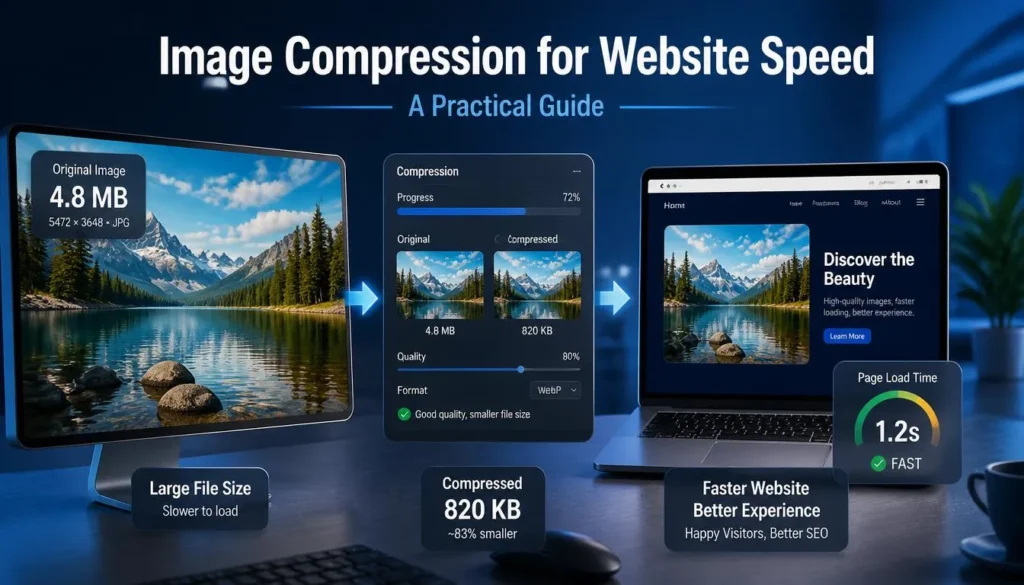
Well-written alt text on a slow-loading, oversized Image still underperforms. Page speed and Image weight factor into how search engines evaluate a page overall, so if you haven’t gone through your Image dimensions and compression settings recently, that’s the natural next thing to check. Alt text and file size are two separate levers, but they both need to be pulled.
FAQ
Is alt text still a real ranking factor in 2026?
Yes, particularly for Google Image Search, and it remains a genuine accessibility requirement independent of any SEO benefit.
Do all images need alt text?
Every meaningful one. Purely decorative Image dividers and background patterns can use alt=”” instead of a forced description.
What’s a reasonable alt text length?
Roughly under 125 characters as a practical target. Past that, it tends to stop functioning as a clean description.
Is it fine to use the filename as alt text?
Technically yes, practically no. Filenames serve file systems, not readers or search engines; an actual description does more work either way.
Does converting an Image to WebP affect its alt text?
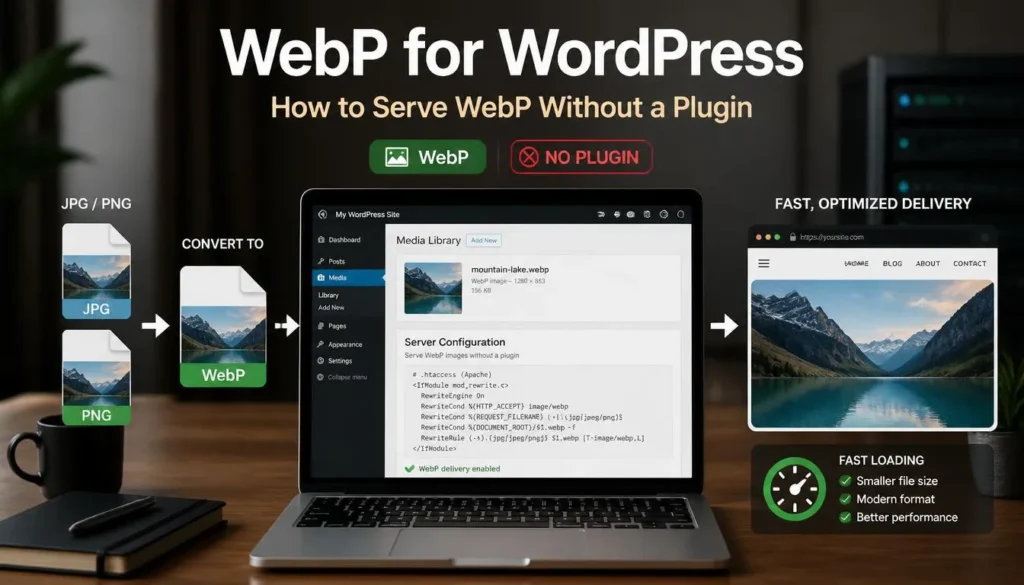
No, they’re unrelated technically. But they’re both part of the same Image checklist format: compression affects load speed, alt text affects understanding and accessibility, and a well-optimized Image needs both handled.